2023081639

One Click to gather all system info. for further debugging
-
Document NO.
-
Category
SoftwareApplication -
Rev.
A1
-
Update Date
2025-10-14
Model Name
HPM-246UA
HPM-621DE
HPM-621UA
HPM-SRSUA
HPS-246U4A
HPS-246UTA
HPS-621D4A
HPS-621DTA
HPS-621U2A
HPS-621U4A
HPS-621UTA
HPS-SRSU4A
HPS-SRSUTA
HPM-SRSDE
HPS-SRSD4A
HPM-SIEUA
HPM-ERSUA
HPM-ERSDE
HPS-ERSU4A
HPS-ERSUTA
HPS-ERSD4A
GAI-ERS Series
GAI-ERSR-13B
GAI-ERSR-33B
HPS-SIEU4A
HPS-SIEUTA
HPM-GNRDE
HPS-ERSU2A
HPM-GNRUA
HPS-ERSU1A
HPS-GNRD4A
HPS-GNRU4A
HPS-ERSD4B
HPM-GNRUP
HPS-GNRU1A
HPS-GNRUTA
GAI-GNR Series
Purpose
How to get system information file from BMC WEB UI.
- Please connect to BMC Web interface and follow the steps below to download the system information file.
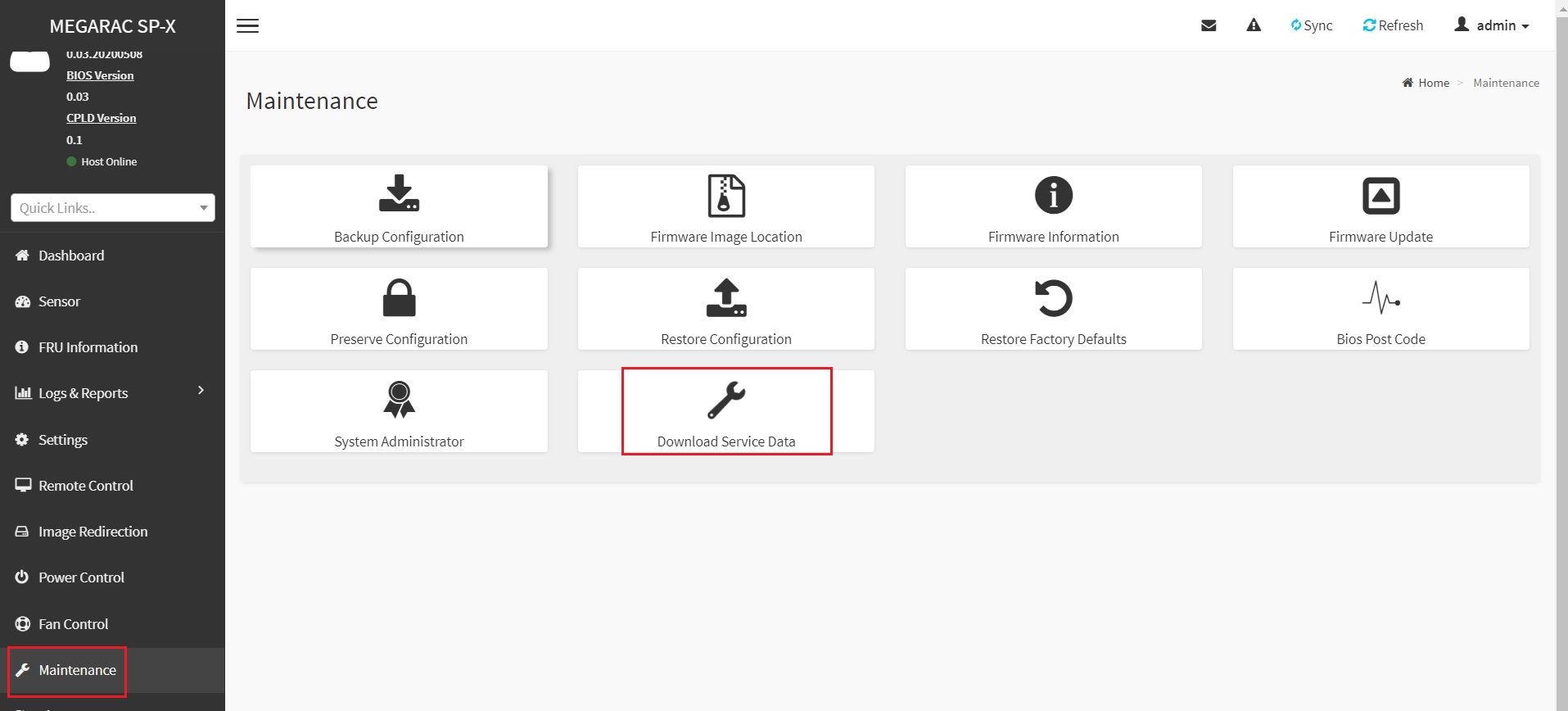
- Go to Maintenance ➔ Download Service Date
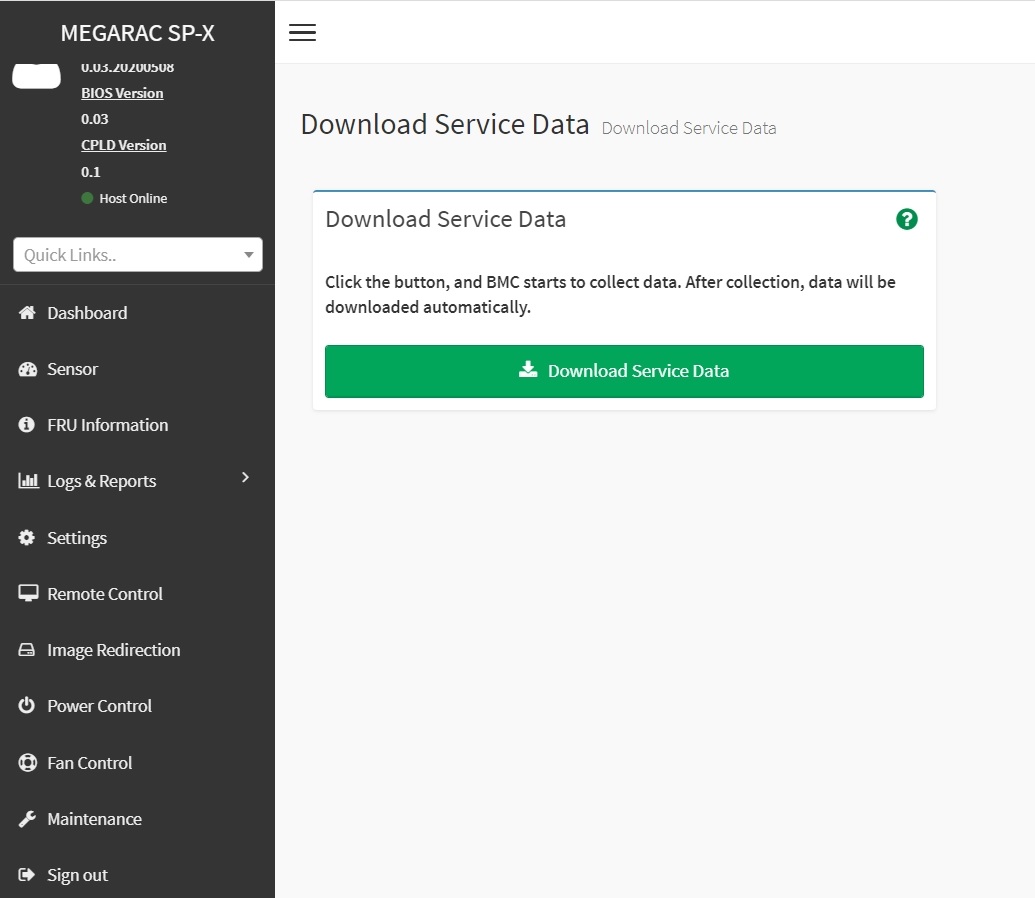
- It will show the Download Service Date screen, please click on the green download item.
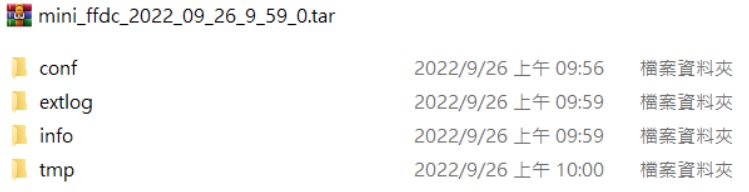
- Then you will get the following file in .tar format, there are four folders in the .tar file, the main system information will be in the conf and tmp folders. These databases contain all the SOC boot data / linux data which will also contain SEL, just provide this tar file to us for further analysis.